













ISS-209: SyncDb is Oversized for employee. Contact developer team for additional investigation.
This error message can causes the sync to be disabled and is received when the user has:
- Excessive Records in Sync Scope(more than 10,000 records)
- Synchronisation failed due to large number of errors.
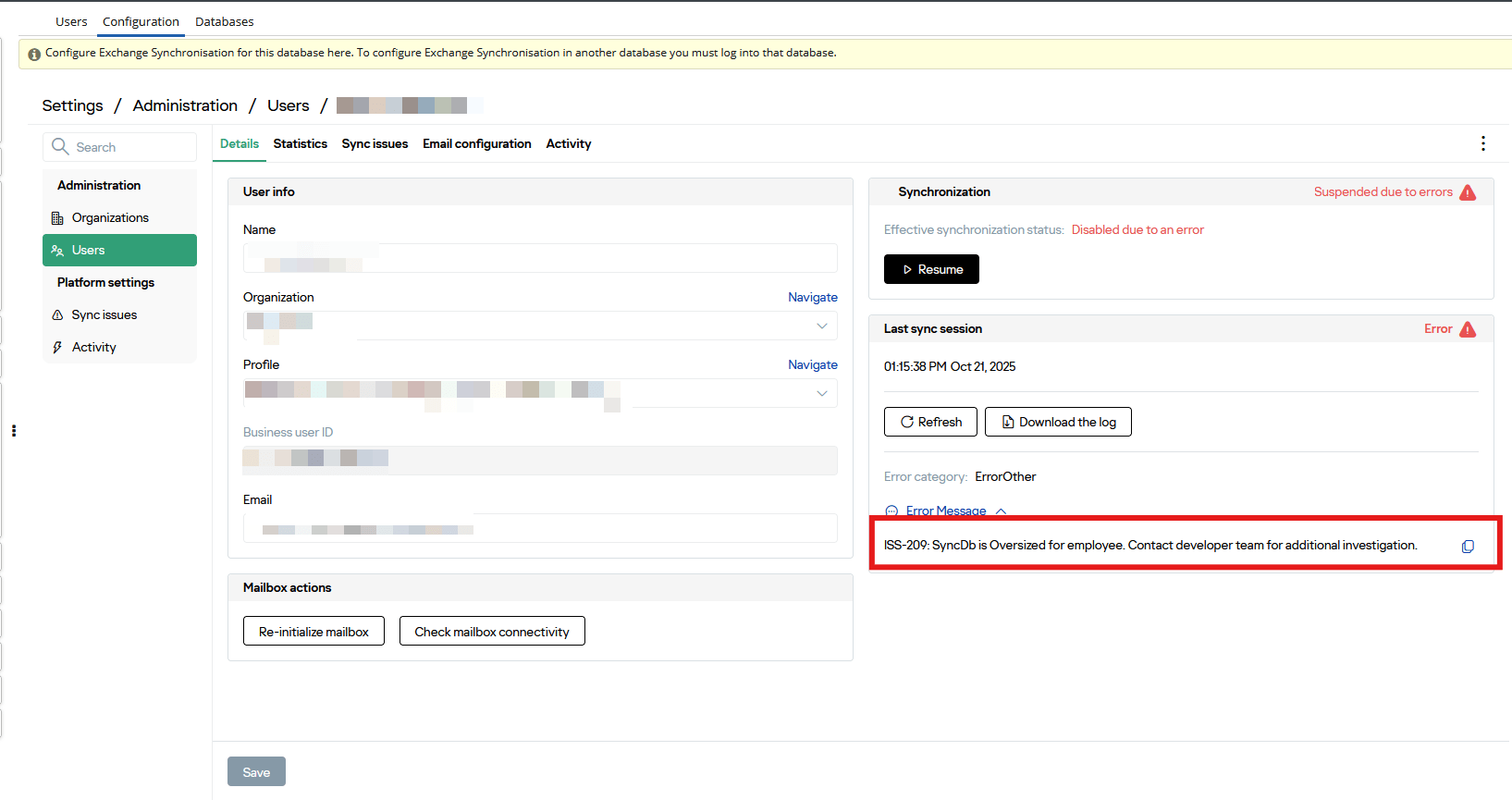
For Point 1 Users can resolve the issue on their end but for Point 2 please get in touch with Workbooks Support with the following information:
- User Details(email, sync settings i.e., syncing People, Tasks, Meetings)
- Approximate record count in scope
- Screenshots of Error from the Sync Issues tab
and we will raise this with Revenue Grid (our Mail Sync Partner) to investigate this.
Excessive Records in Sync Scope(more than 10,000 records)
Start by checking total number of records that will sychnorised in the next session by navigating to Preferences > Integration > Mail Sync > Sync Settings

If you notice the pending records to sync is a few hundred then it might be due to errors encountered when syncing, which would relate to point 2. However, if you do see that you have a lot of records(~10,000) pending to sync across then review the records for each record type. To do so please navigate to Person and Activities and review the total number of records displayed in the following views:
- My People view
- My Open Tasks view
- My Meetings view
- Mail Sync view (custom view that is set up to enable users to sync additional records not available in their view starting with ‘My…’)
At this stage if you notice that a view has a huge chuck of data that is picked up by the sync scope then apply filter to the relevant view to exclude them i.e., on My People view you don’t want to sync across a contact that doesn’t have an Employer set in Workbooks or if your My Open Tasks view has a few thousand records that have entered the sync then it might be worth reviewing open tasks and closing them to ensure that they are excluded from the sync.
Failing this if you note after the number of records picked up by sync scope has dropped but the user is still reciveing the error then please get in touch with the following information:
- User Details(email, sync settings i.e., syncing People, Tasks, Meetings)
- Approximate record count in scope when troubleshooting steps were attempted and the new record count after troubleshooting steps applied.
- Screenshots of Error from the Sync Issues tab